
Your tea room’s software
Guests sit down, open the photo menu on their phone in their own language and order. The table’s bill is printed when they ask for it.

What MenuSmart does for a tea room
-
A menu that tempts
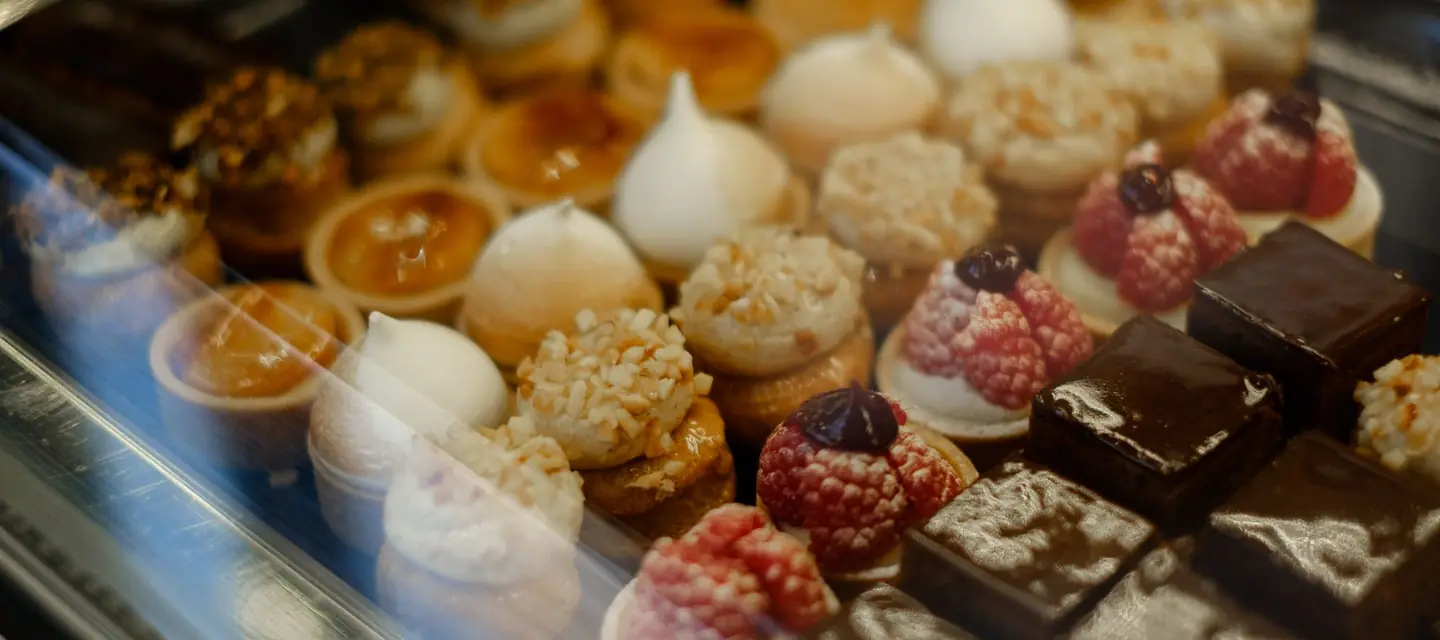
Pastries and drinks in photos, favourites highlighted, a banner for the season’s novelty.
-
Translated for your guests
The menu reads in French, Arabic and English; “Translate the menu” gathers everything left to translate on a single screen.
-
The table’s bill
Every order of the table on one bill, printed before payment, a single receipt for the party.
-
And the counter
A takeaway drink is sold at the counter in one go, without opening a table.
A till already set up for you
When your space opens, the type of venue sets these till settings. Each one can be changed later under “Establishment”, and a mixed venue keeps everything.
- The till opens on
- The tables
- Quick counter sale, paid and closed in one go
- On
- Kitchen ticket printed when sent
- Off
- Bill printed before payment
- On
- Kitchen screens and live orders
- Off
Frequently asked questions
Do my guests need to install an app?
No. The QR code opens the menu in the phone’s browser, with no installation or account.
Can the menu change with the time of day?
Yes. Each menu has its time slot and days: the afternoon tea menu only shows in the afternoon.
Can guests ask for the bill from their table?
Yes, with the call-the-waiter button on the menu: the floor sees the request and brings the bill.